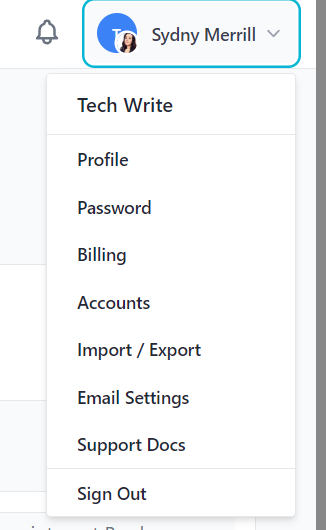
Start by accessing your account settings and click your profile name/icon in the top right and choose the Password option from the drop-down menu.
Updating your password
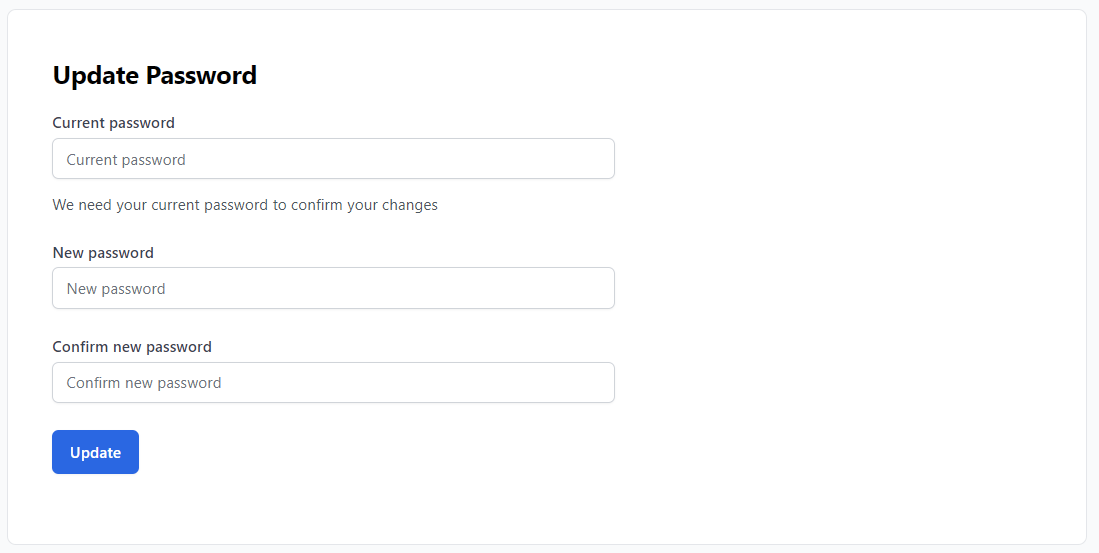
From the Password page, you can update your password by entering your old password then confirming a new password.
If you are logged out of your account and have forgotten your password, you can use the Reset Password flow on the login screen.
Setting up 2-Factor Authentication
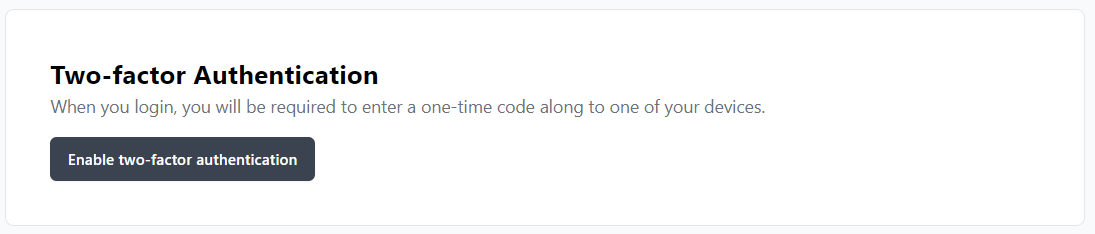
From the Password page, you can configure 2-factor authentication with one-time passwords. Scroll down and click “Enable two-factor authentication” and proceed with scanning the QR code with your authenticator app.