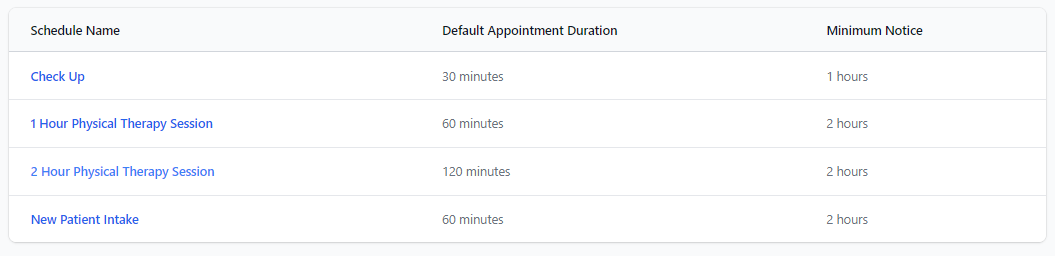
Once an Appointment Schedule has been created, it will appear in the list. Click a Schedule Name to view specific schedule information for that appointment.
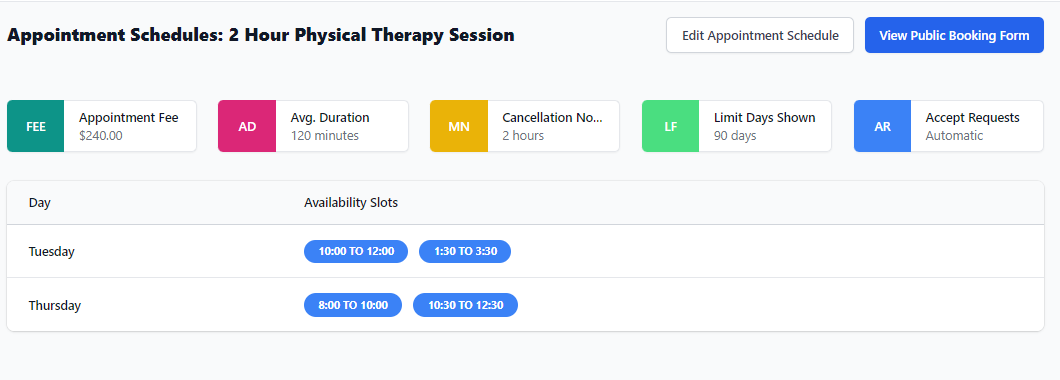
You will see the core conditions for that specific Appointment Schedule, including the appointment Fee, average duration, minimum cancellation notice, limit to the number of days shown in the booking calendar, and if the bookings are automatically accepted or not.
Underneath the appointment conditions, you can view the days of the week and Availability Slots for the Appointment Schedule.
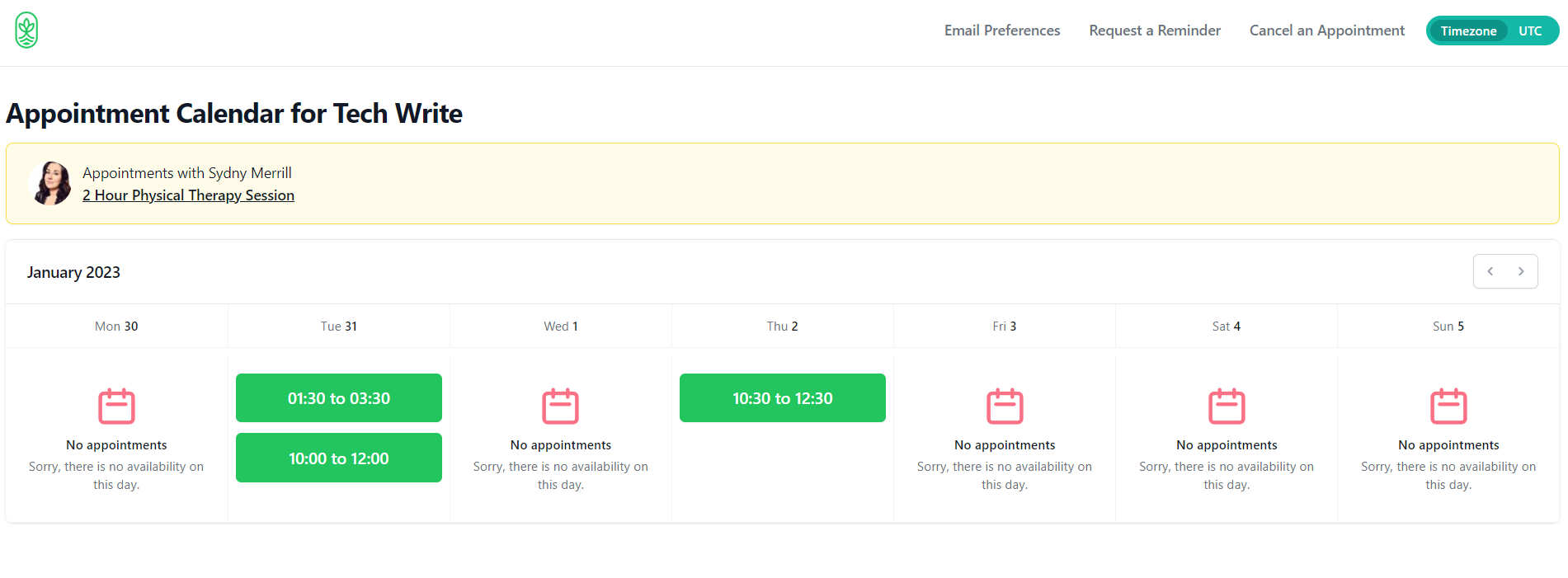
View the Public Booking Calendar / Form
Click the View Public Booking Form button to take a look at the calendar view that is visible when patients are booking.