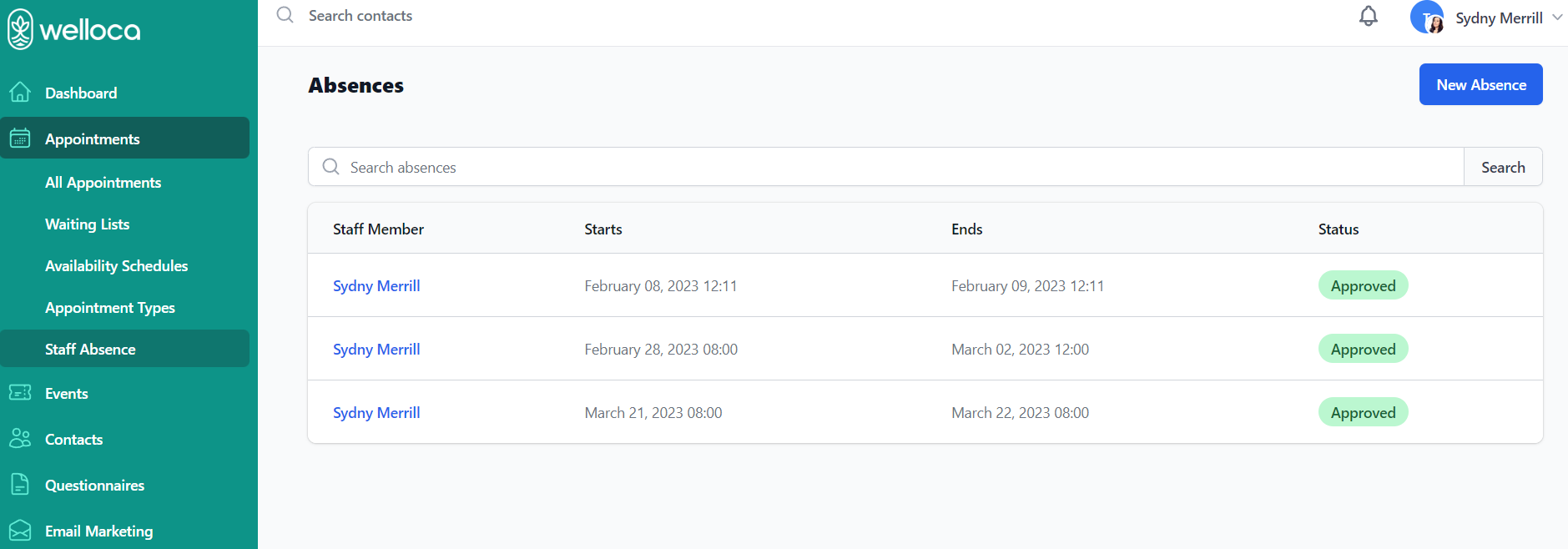
Select Staff Absences from the sidebar to add staff absences or vacations to the schedule. The absence feature helps keep your appointment schedules up-to-date and automatically blocks patients from booking with a staff member when they are absent.
Absences are listed based on date, with the closest absences appearing first. You can use the search bar to quickly locate any absences or vacations for a specific staff member.
How to Add a Staff Absence
Click the New Absence button, located in the top right-hand corner. From the New Absence form, you will need to provide the following information:
- Which staff member is absent? – select a staff member from your Contacts list
- When does the absence start? – select the date and time
- When does the absence end? – select the date and time
Click Create Absence when you are finished adding the staff member and absence dates.