To create a new contact, click New Contact.
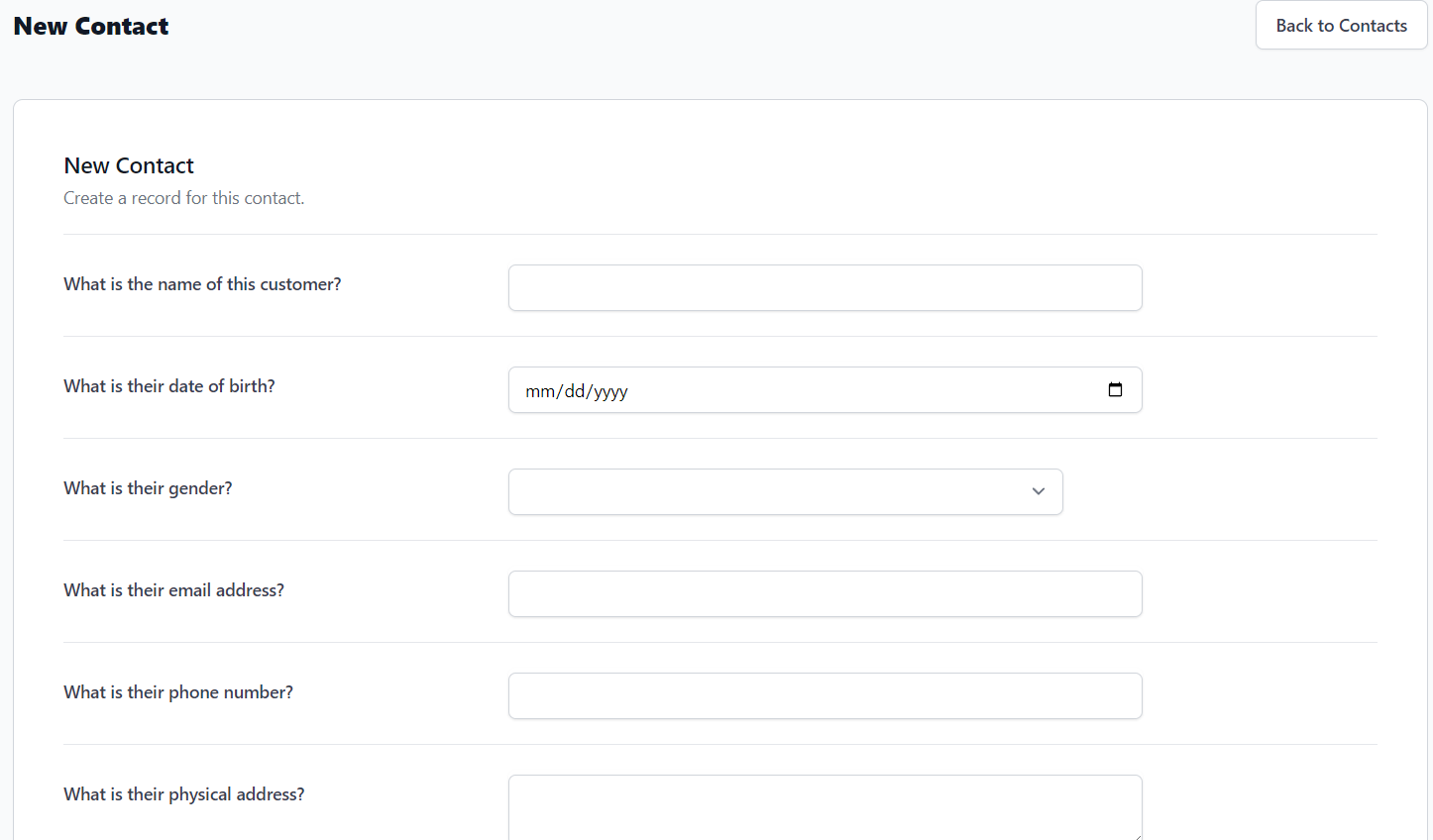
From the New Contact form, you will need to enter the following information:
- What is the name of this customer?
- What is their date of birth?
- What is their gender?
- What is their email address?
- What is their phone number?
- What is their physical address?
- Should this contact receive automated appointment notifications?
- Should this contact receive automated event notifications?
- Should this contact receive email broadcasts?
Once the form is complete, click Create Contact.