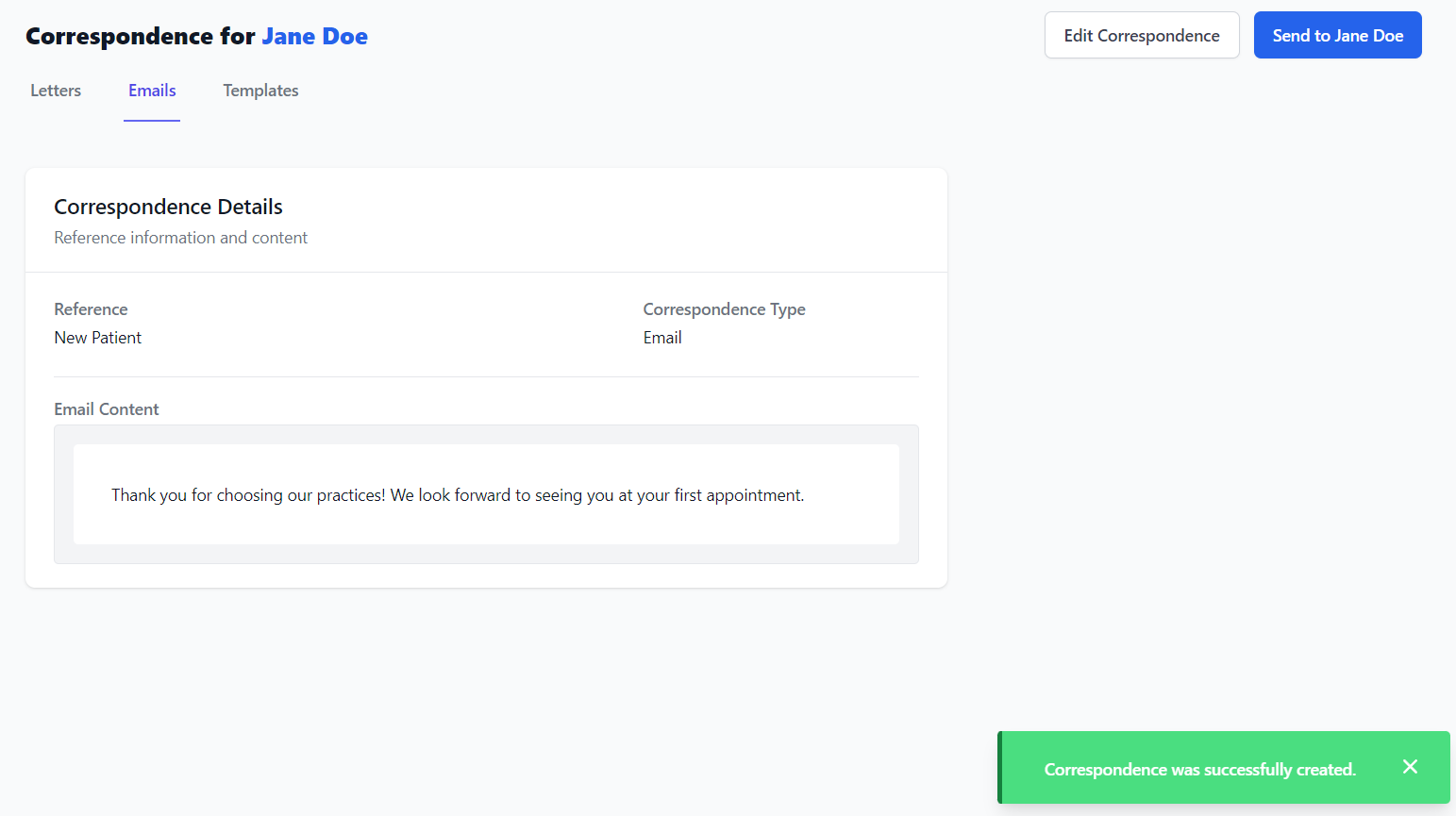
To use a Template, select the Emails or Letters tab and then click New Email from Template or New Letter from Template button.

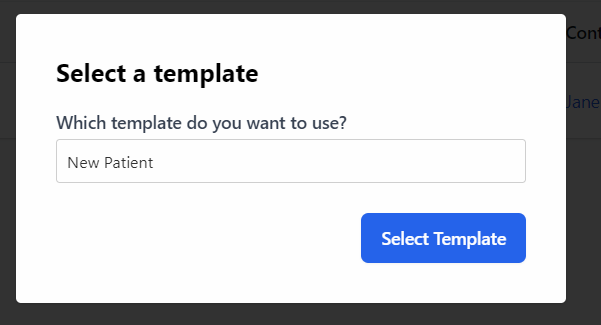
Within the pop-up window, choose the template that you want to use and then click Select Template.
You can now review the New Correspondence drafted from the template. Make sure to select the patient that the correspondence is meant for and check if you need to make any changes to the template content, to suit your patient.
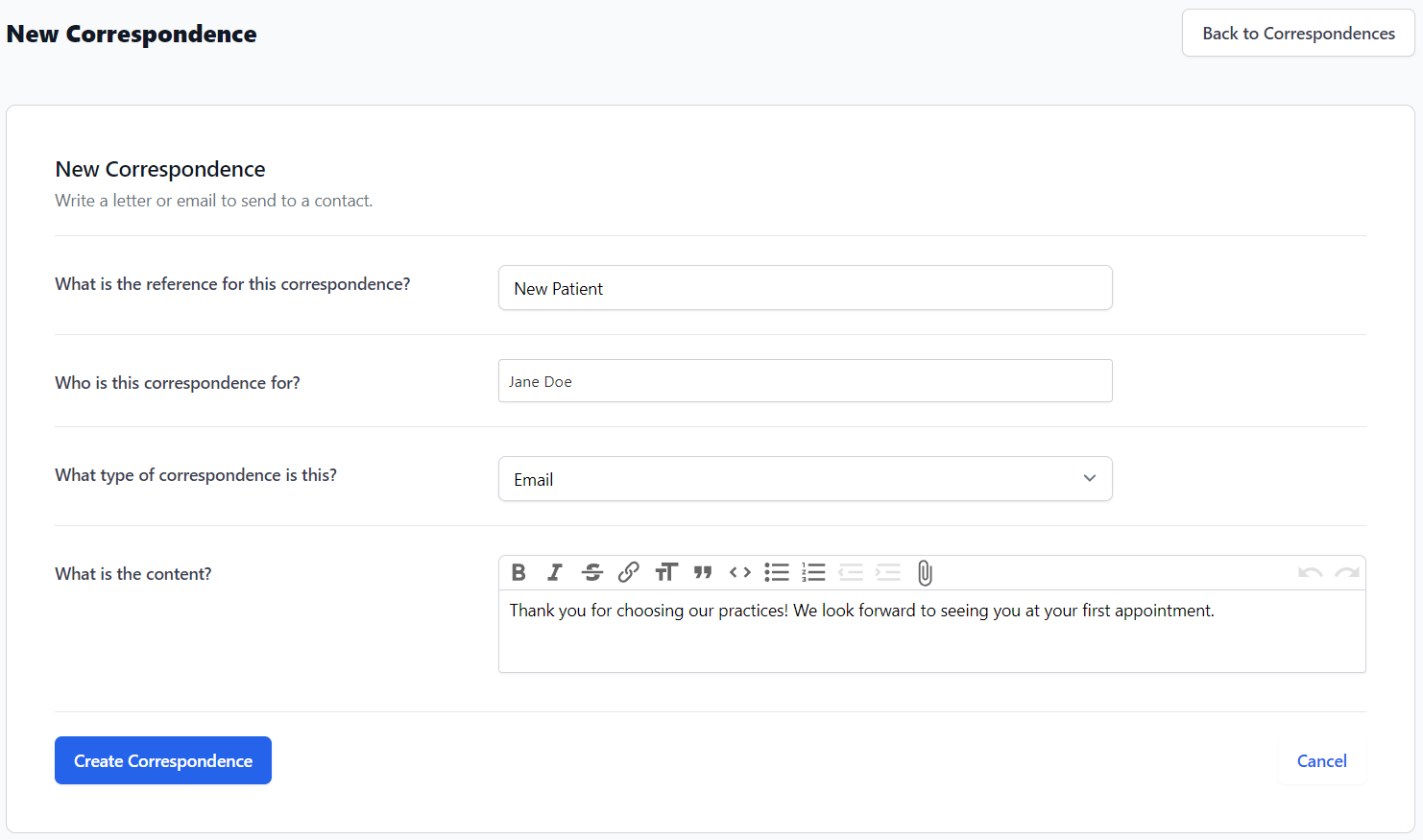
Click Create Correspondence when you are finished making changes. Then you can proceed to click Send to or Download PDF.