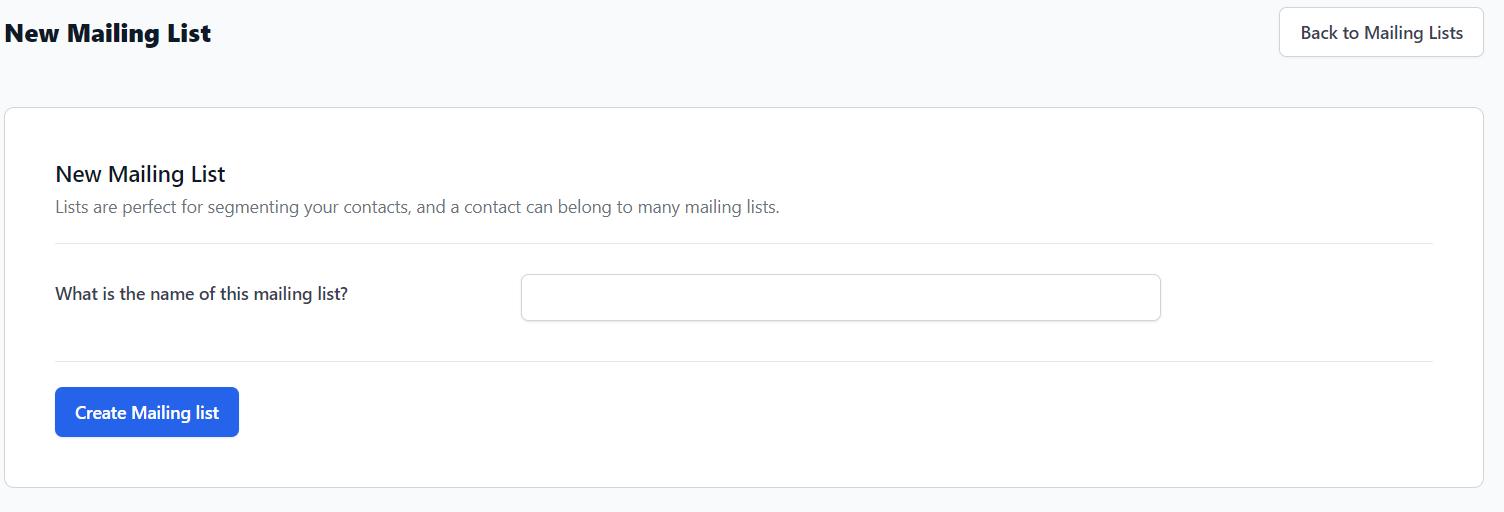
Click the New Mailing List button. Then provide a name for the mailing list and select Create Mailing list.
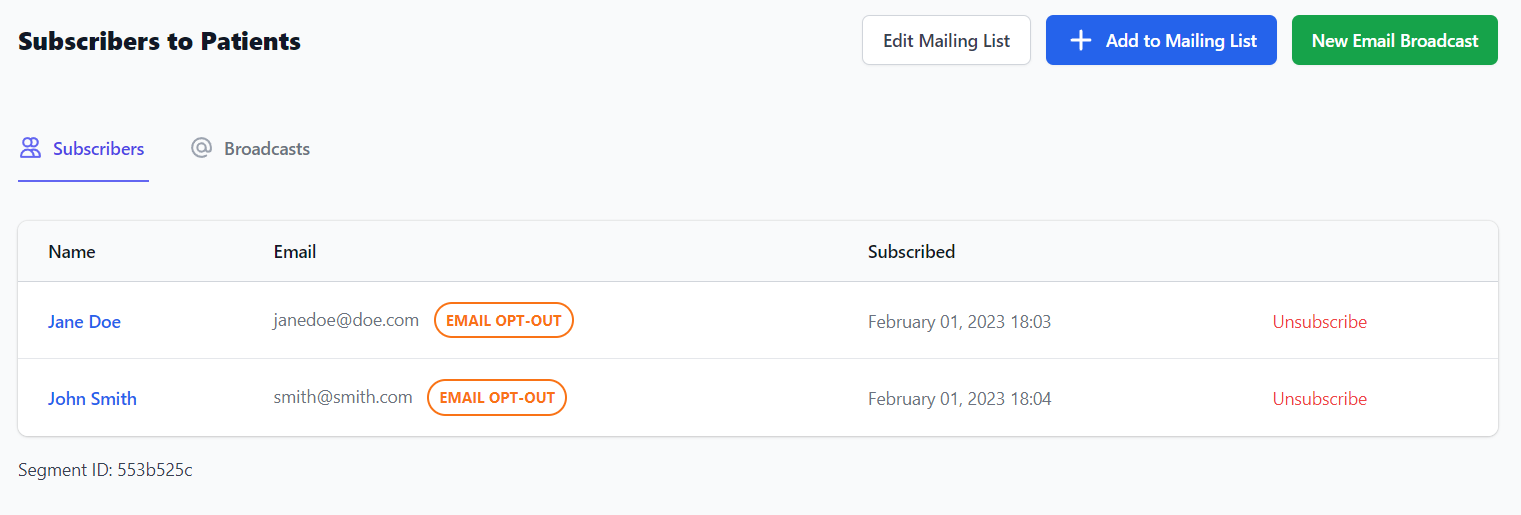
Once the mailing list has been created, you can start adding contacts to the mailing list. These are known as Subscribers. Click Add to Mailing List.
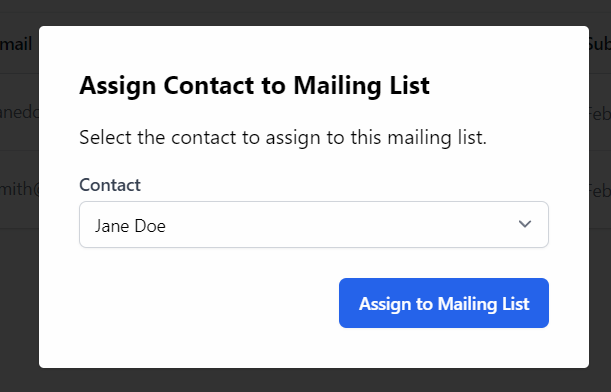
Then select a Contact from the drop-down menu and click Assign to Mailing List.
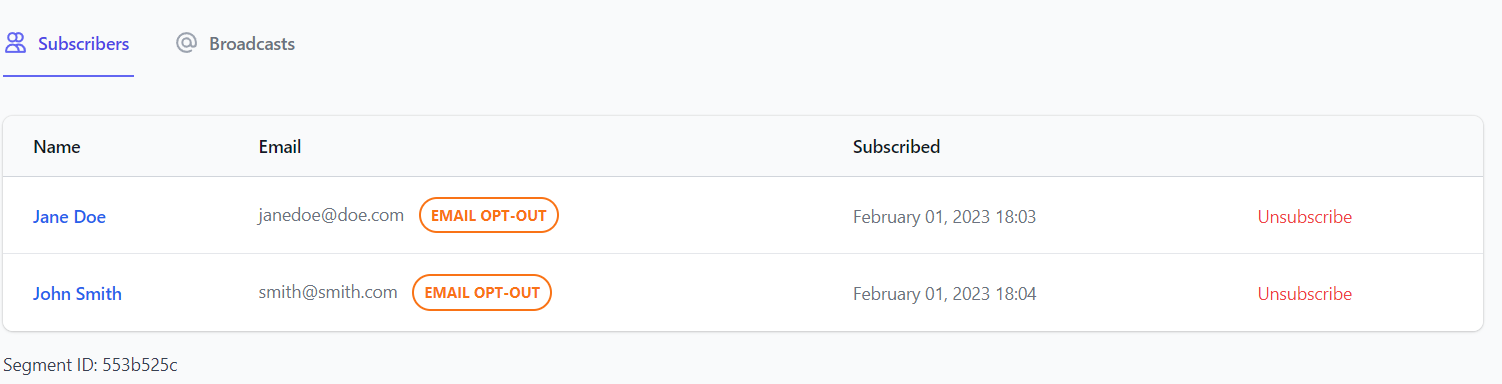
You can view all subscribers from the Subscribers tab, including their Name, Email, and Subscribed date. There is also an Unsubscribe button.
In the email column, you will also see whether that contact has opted out of all email marketing. If the Email Opt-Out flag shows, they can still be associated with this list but they will not be sent any emails when the broadcasts send.