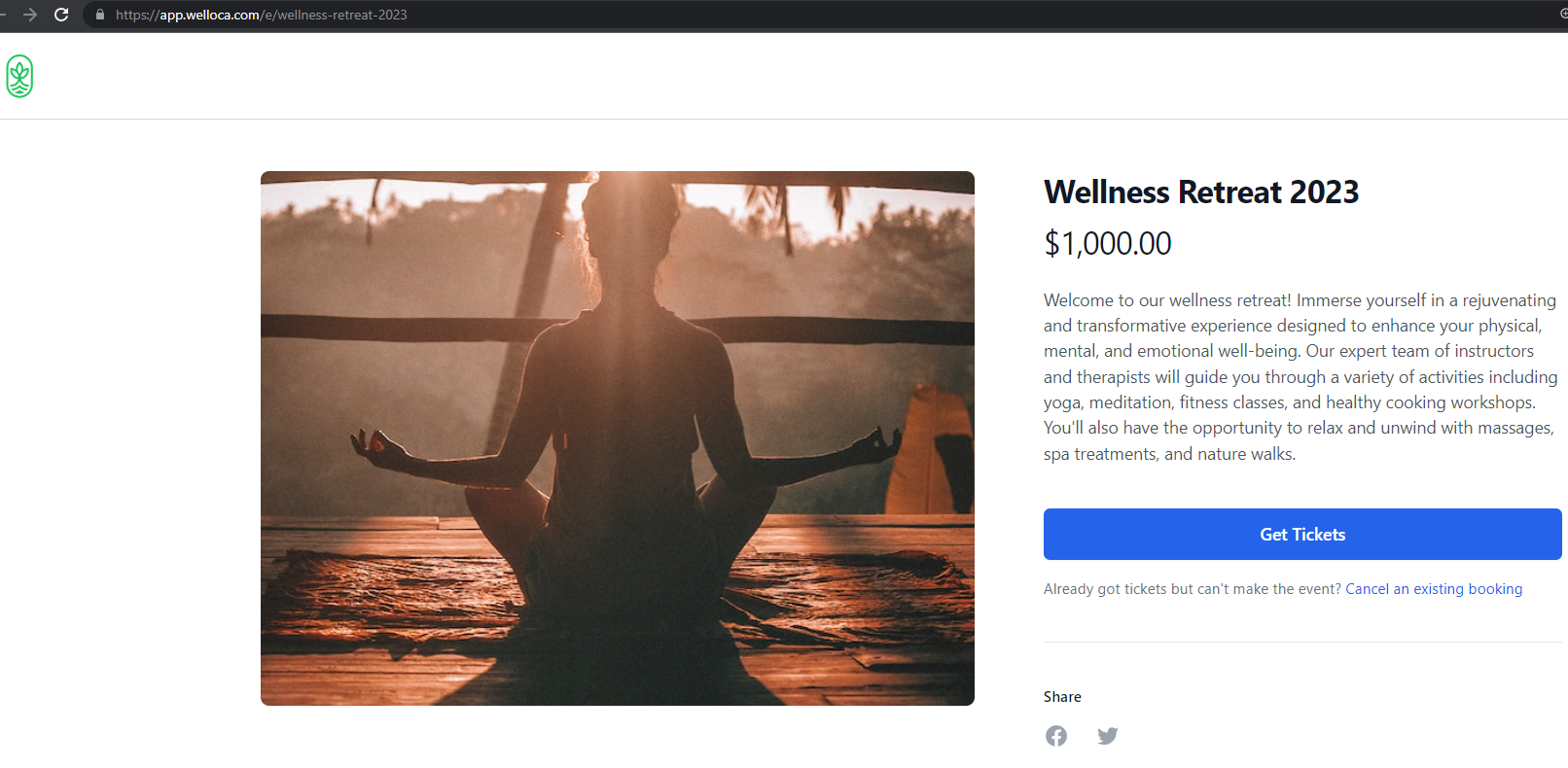
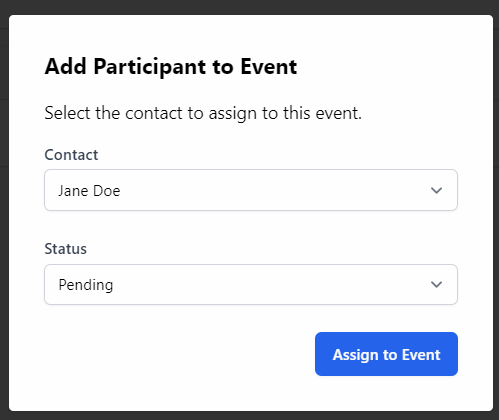
While contacts can book an event themselves using the Booking Form, you can also manually add people to the event by clicking the Add Participant to Event button.

You can then choose a Contact from your contact list and select a Status (Confirmed/Pending/Cancelled/Waiting List).
View Booking Form
Click View Booking Form to open the Booking Form in a new tab. You will see how the Booking Form appears to patients and can collect the URL to share with others.