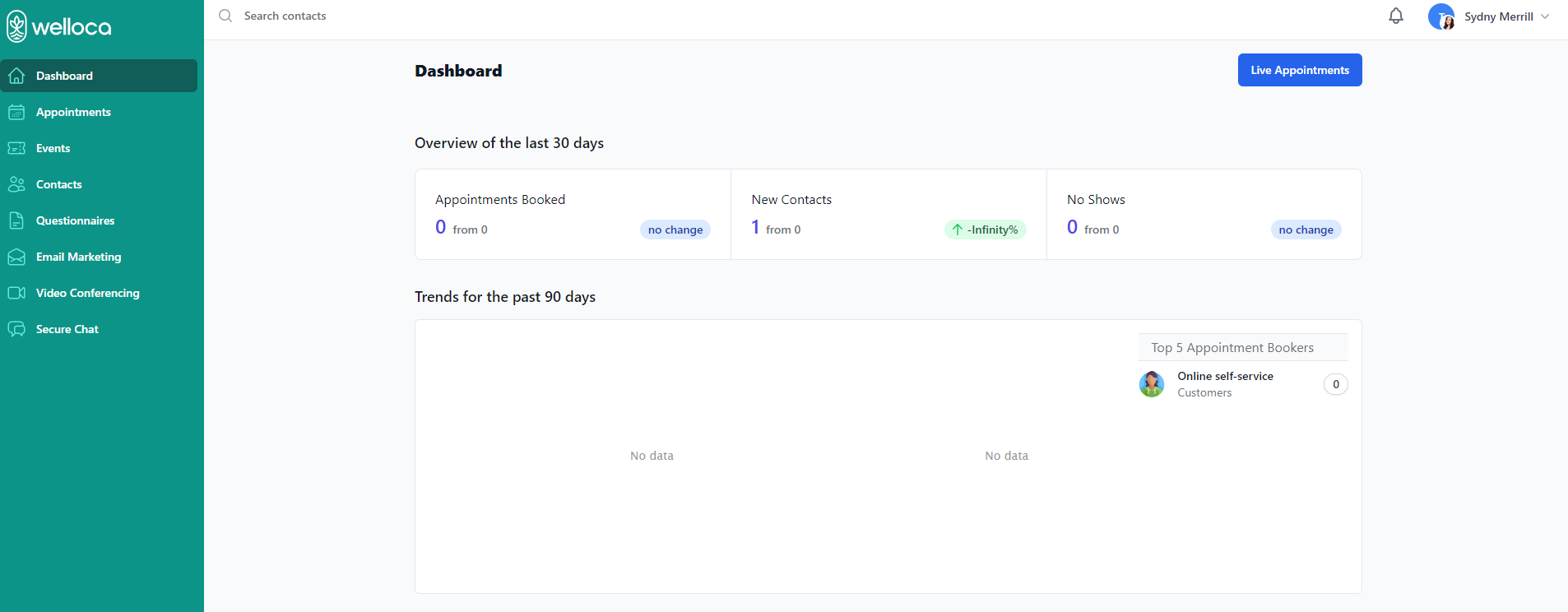
Welloca is designed with a simple, easy-to-understand interface, so you can immediately start using Welloca with confidence. The core navigation elements are the Sidebar and Menubar.
Sidebar
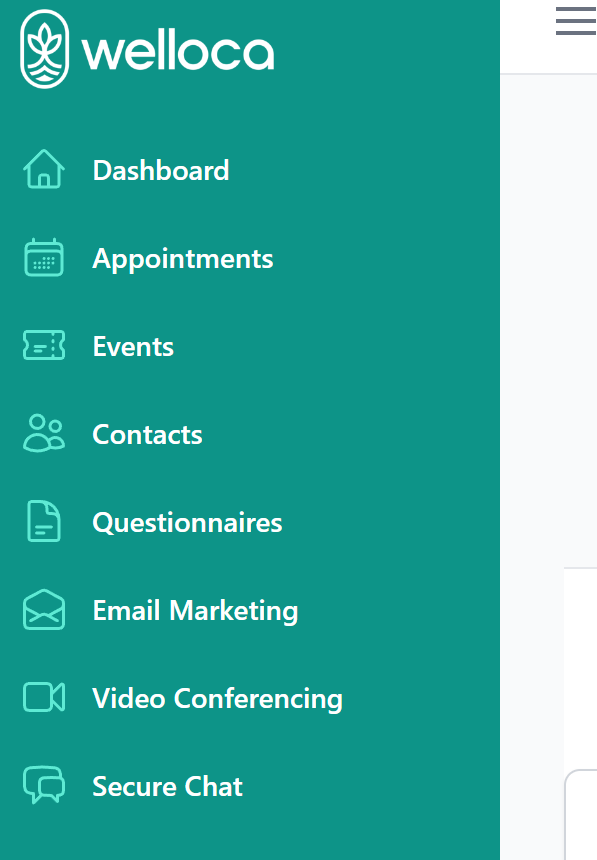
When using Welloca, the Sidebar is always visible on the left-hand side of each page. You can use the Sidebar to navigate to different areas of the app:
- Dashboard
- Appointments
- Events
- Contacts
- Questionnaires
- Email Marketing
- Video Conferencing
- Secure Chat
Menu Bar
The Menu Bar is found along the top of each page within Welloca.
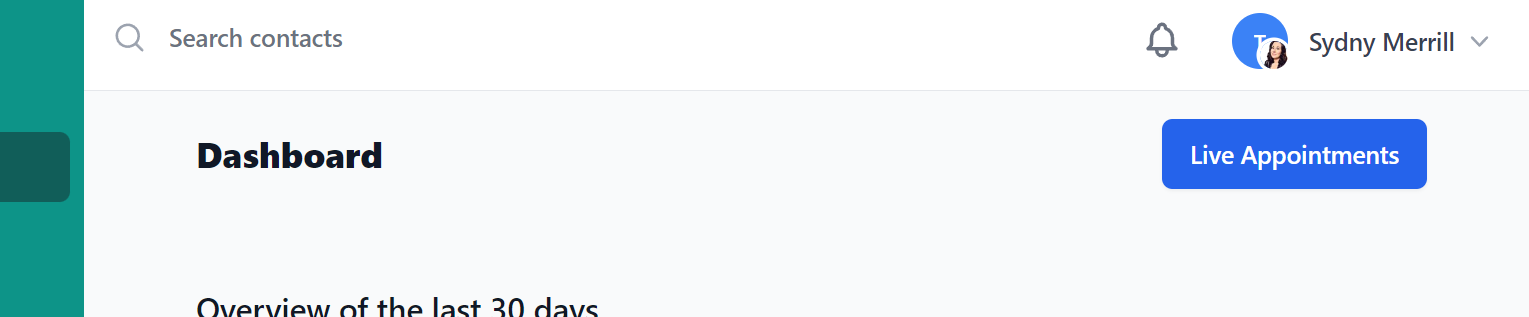
The Menu Bar contains the following features:
- Search contacts – quickly pull up any contact within your contact list from any page.
- Notifications – click the bell icon to view recent notifications.
- Account information – click your name and picture to view important account information like:
- Profile
- Password
- Billing
- Accounts
- Support Docs