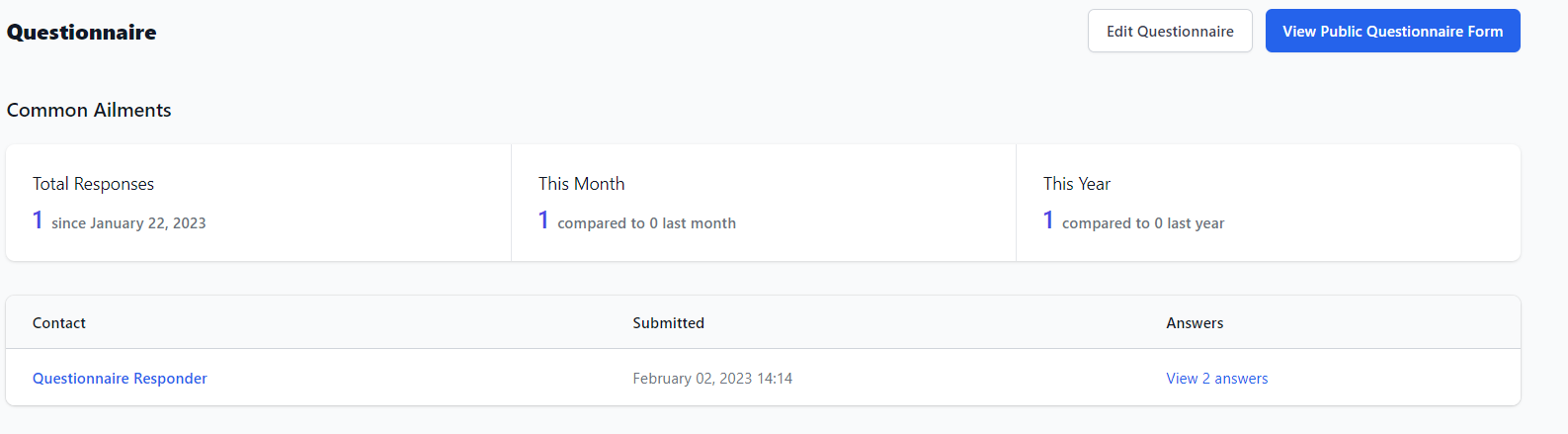
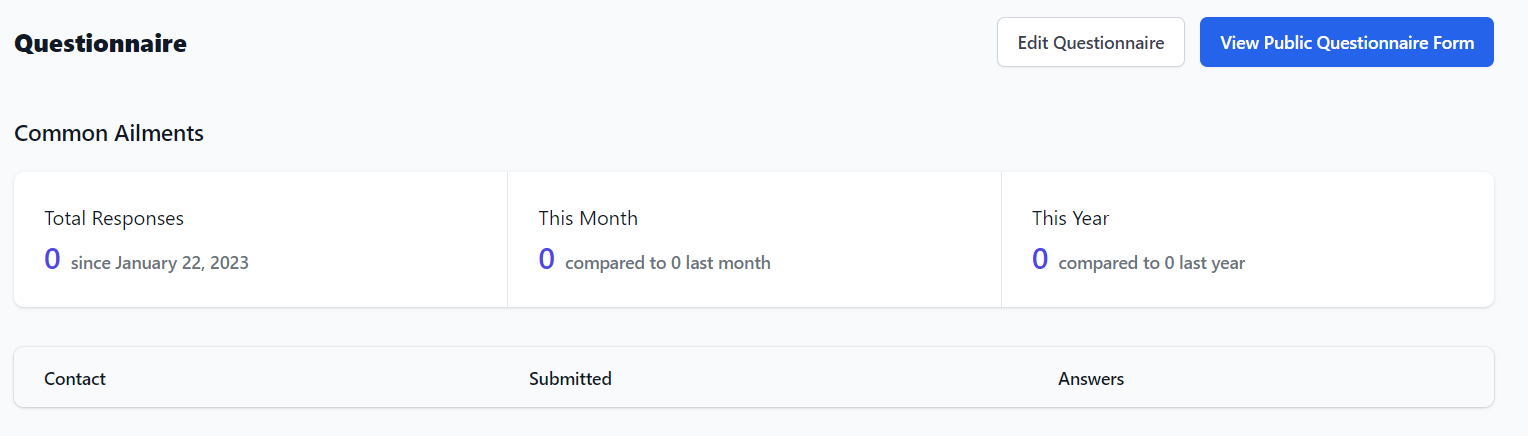
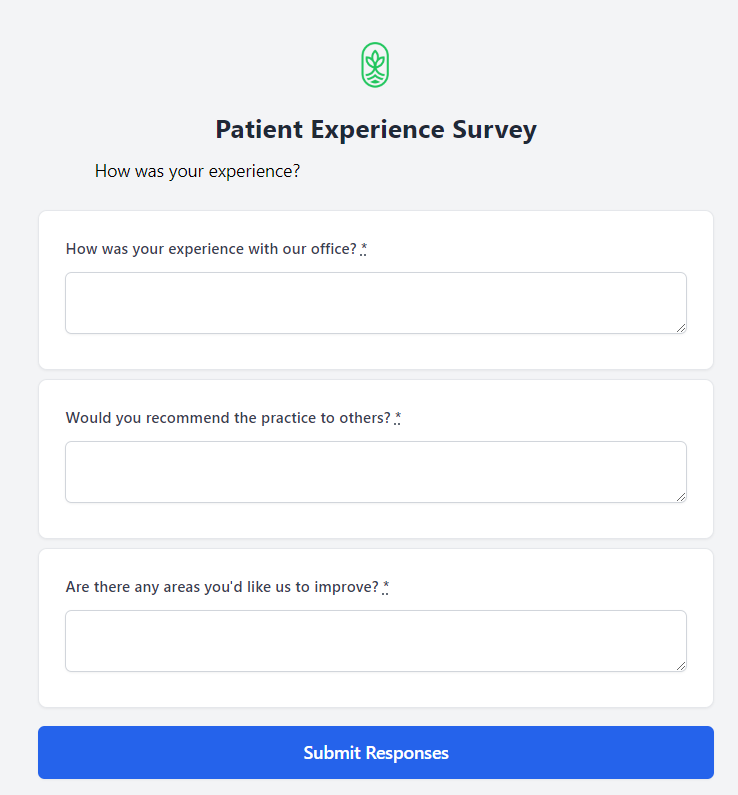
Once a questionnaire has been created, you can verify how it appears to the patients by selecting the questionnaire Name and then clicking the View Public Questionnaire button.
The Public Questionnaire will open in a new tab, so you can review the questions and make sure everything looks and works the way you want it to.
When patients fill out a questionnaire, their responses are logged. Click View (2 answers) under the Answers column to view a patient’s individual answers.