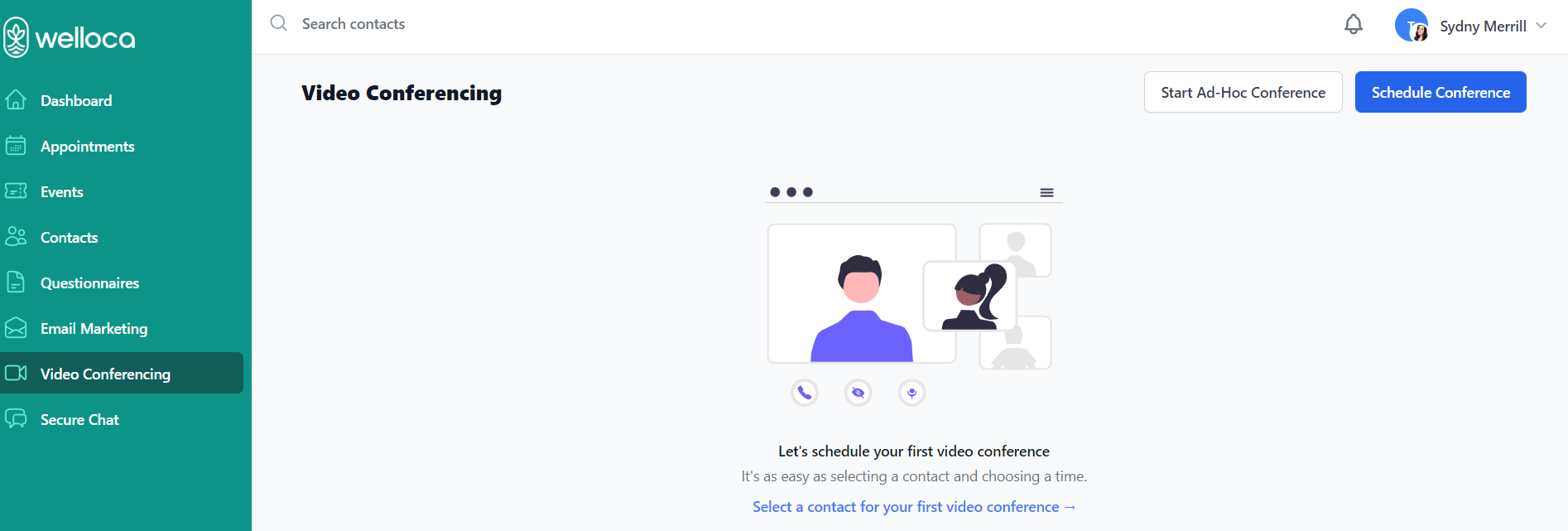
Click Start Ad-Hoc Conference. This will open the video conferencing site in another tab.
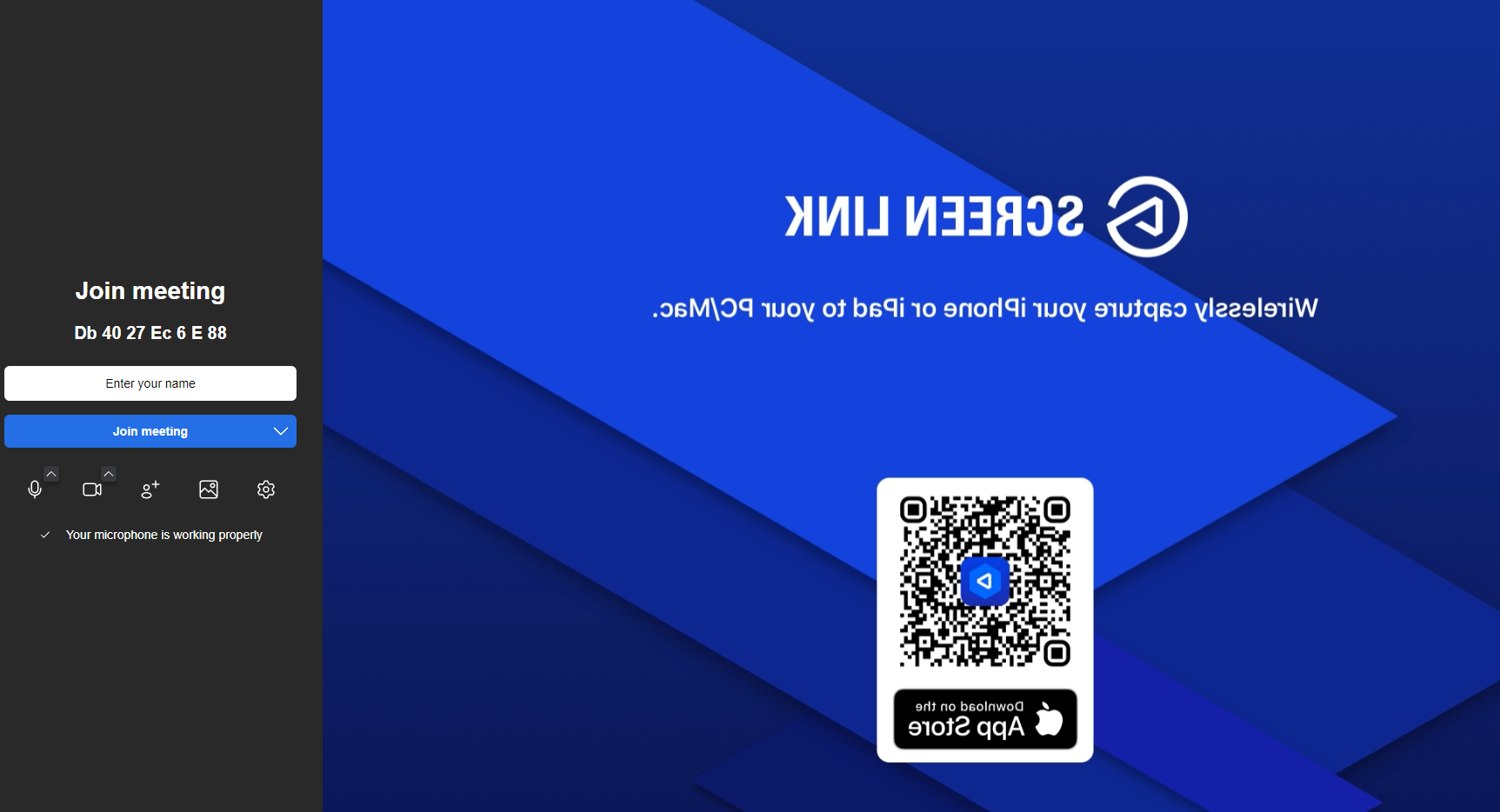
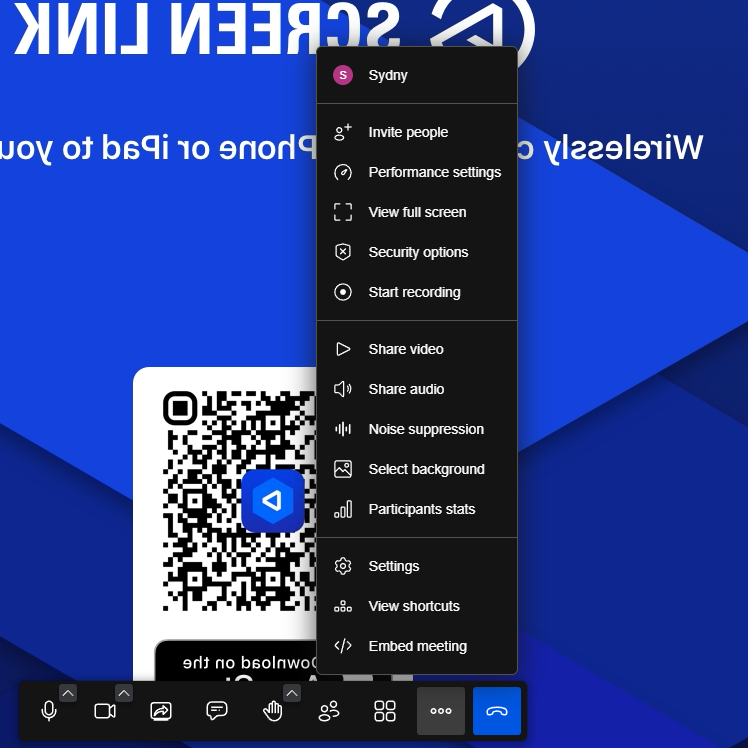
Enter your name and then click Join meeting. Once the meeting has started, click the ellipses along the bottom of the screen and select Invite people.
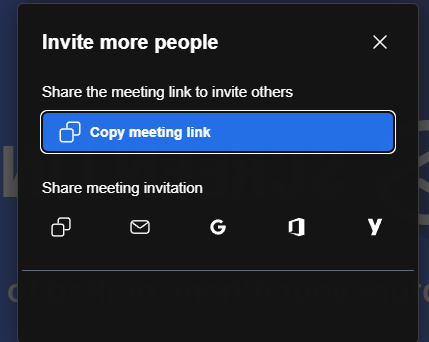
You can then copy the meeting link to invite others or share the meeting invitation using Gmail, Outlook, Yahoo, or your Default Email.